


Authenticator without Microsoft & Google
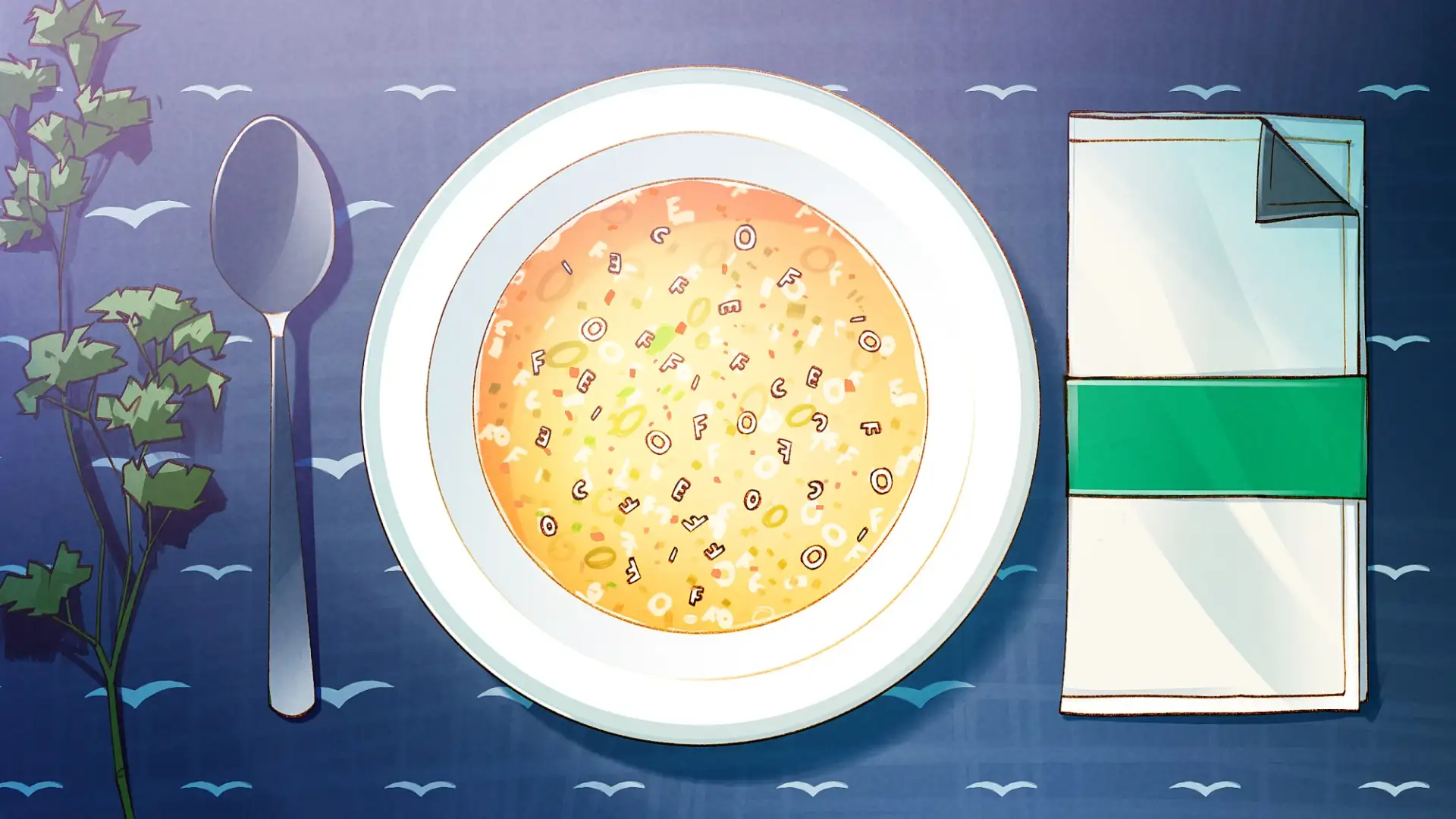 Illustration by Florian Biege
We are finally making our own soup, even when it comes to word processing, spreadsheets, or presentations: Because with Microsoft we are trapped in a closed system that's often only accessible through a subscription and mandatory cloud use (risk of data leakage and misuse!).
If you'd like to write your documents in the future without using the cloud and sharing your personal data, you can switch to free office suites:
Our digital switch recipes provide an easy, simple way to give Big Tech the push, but there are other options available. We have tried to make it easy by focusing on a single approach and a small number of options, but there are other alternatives that are just as good. After all, what we mean by ‘good’, ‘not so good’ and ‘bad’ is open to debate: DI.DAY is about easy ways to give Big Tech the push (without getting into purism or being preachy). Our decisions are based on advice from our advisory panel.
An overview of the alternatives is available on the next page:
for transparency and control over your own content.
Your documents in the new (.odt) or old Microsoft format (.docx, .xlsx or .pptx, see below).
Choose one of the following options:
If you want to move away from proprietary systems, choosing the right file format is just as important as choosing the right software. The ideal format for this purpose is the OpenDocument Format (ODF). Here are the reasons why ODF is the best choice for your digital sovereignty:
An open standard that works equally well on Windows, macOS, and Linux.
Unlike Microsoft formats, ODF is not maintained by a single corporation but by a large community. This ensures long-term readability and transparency.
Programs such as LibreOffice use ODF as their default format. SoftMaker Office and FreeOffice can also edit and save documents in this format.
Since the code is open-source, you don’t have to worry whether a particular company will still exist in ten years’ time to open your old letters or spreadsheets.
Once you #DIDit – share our post about the digital switch and inspire others to take control of their own digital lives!
While the alternatives mentioned – such as LibreOffice, SoftMaker, or OnlyOffice – are highly compatible with Microsoft formats (.docx, .xlsx, .pptx), saving in the OpenDocument format (.odt for text documents) is the most reliable way to avoid “format chaos” in the long run!
Authenticator without Microsoft & Google

App Stores without Google & Apple

Collaborating without Google & Co.
Photos without Google, Apple & Co.
Reading E-Books without Amazon
Video Streaming without YouTube, Prime & Netflix
Shopping without Amazon
Video calls without Zoom, Teams & Co.

Android phone without Google
Have a Hold on Your Passwords

Alternatives to ChatGPT & Co.

From Spotify to Fair Music Streaming

Set Your Calendars and Contacts Free

Independent Data Clouds
Nextcloud – Your Very Own Cloud
From Windows to Linux Mint
From Big Tech Maps to Open Street Map

PayPal to Wero

Chrome to Firefox

Gmail to Independent Email

From Amazon to the Local Bookstore

From Google to Other Search Engines

WhatsApp to Signal

X to Mastodon