


Authenticator without Microsoft & Google
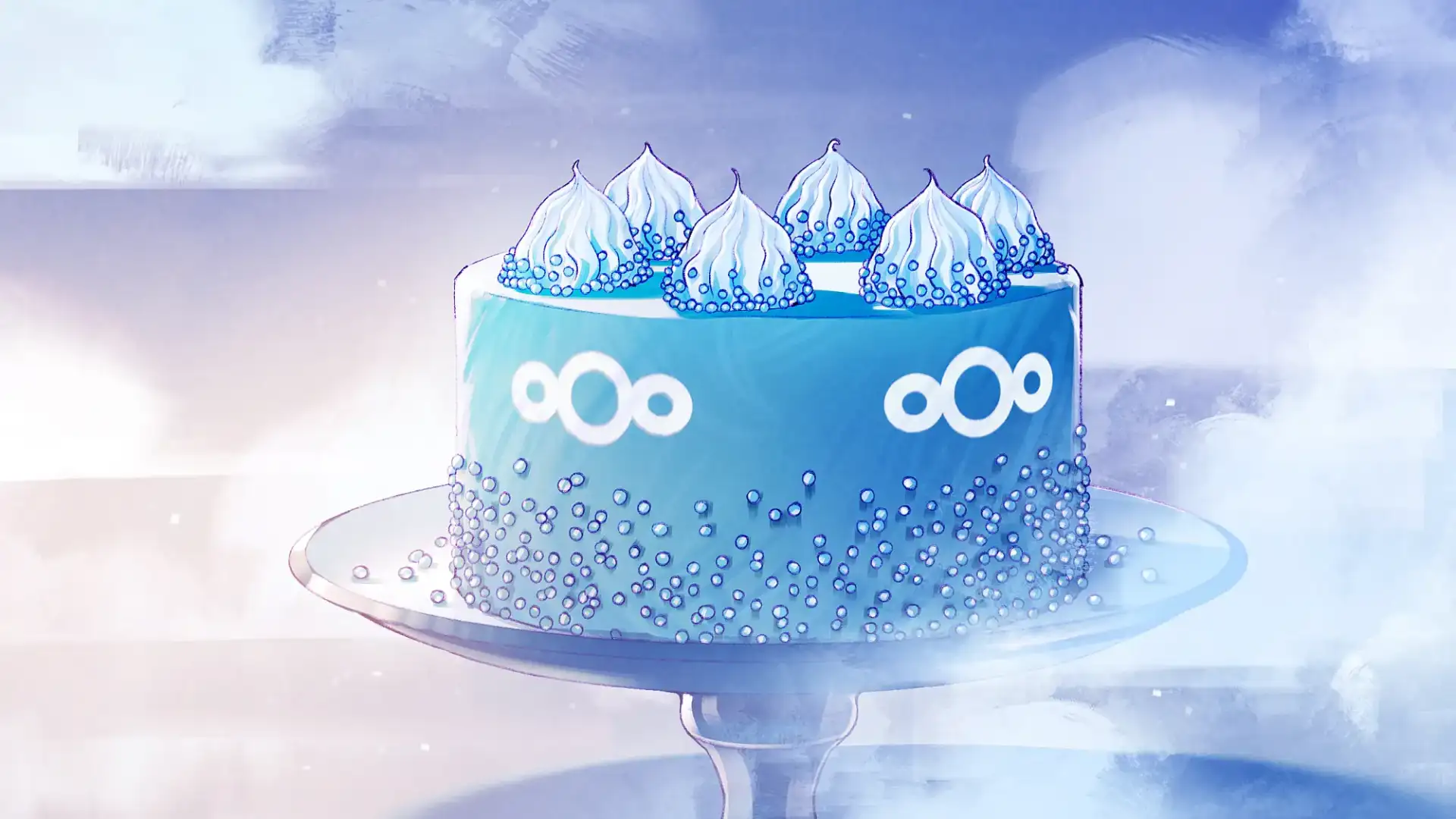 Illustration von Florian Biege
If you would like to have calendars, data, chats and more in one place, there are multiple options: You can rent complete workplace tools from providers such as mailbox.org, Ionos or Proton.
Or you can set up your own cloud – maybe for the whole family or your small business. This is possible with a Nextcloud, the new provider OpenCloud develops something similar. By the way: The company Nextcloud lets you try out your own cloud for your company.
The open source alternative to iCloud, Google Drive, and Teams complies with European law (GDPR). And the installation is easier than you think! Here, you’ll learn how to do it and how you get control of your digital independence with Nextcloud, a platform developed in Germany.
Our digital switch recipes provide an easy, simple way to give Big Tech the push, but there are other options available. We have tried to make it easy by focusing on a single approach and a small number of options, but there are other alternatives that are just as good. After all, what we mean by ‘good’, ‘not so good’ and ‘bad’ is open to debate: DI.DAY is about easy ways to give Big Tech the push (without getting into purism or being preachy). Our decisions are based on advice from our advisory panel.
An overview of the alternatives is available on the next page:
as a home for your cloud
because self-hosting is always a little adventure
for installation and usage
You can rent your cloud pre-configured and ready to use. Most providers take care of updates and regular backups of your data – you are not primarily an administrator, but above all a user.
Some providers of this service:
Choose a provider and book a Nextcloud package. Follow the setup assistant, register, and set up an admin account. Start uploading your data right away. And you’re done! You now have a fully functional, GDPR-compliant cloud – without the need for server administration.
Now let’s get down to business:
There are several other apps for phones and desktop that “talk to” the Nextcloud modules: including Nextcloud Talk (for chat and video conference), Passwords (for passwords) or Deck (for project management).
Setting up synchronisation: Connect the mobile apps or desktop programs that you installed to your cloud. To do this, enter the web address of your cloud – you’ll be asked for your username and password. Select which folders you want to sync. Go to Calendar Recipe for our tips on how to sync calendar data and contacts to your phone.
Once you #DIDit – share our post about the digital switch and inspire others to take control of their own digital lives!
If you want to dive even deeper, you can host your own Nextcloud. The Open-Source-Software can be installed on every server in the web or at home. Some providers (such as Hetzner Cloud, Webgo or All-inkl) allow one-click installation (“1-click-install”); others require more in-depth knowledge. Mike Kuketz published a Nextcloud Tutorial on his blog.
In addition to Nextcloud, you can also store your data at home on your own “NAS” (Network Attached Storage), a drive that can be accessed by multiple computers on the network. Some providers of this service include Synology, Ugreen, or FRITZ with the Fritz!NAS.
Authenticator without Microsoft & Google

App Stores without Google & Apple

Collaborating without Google & Co.

Photos without Google, Apple & Co.

Reading E-Books without Amazon

Video Streaming without YouTube, Prime & Netflix

Shopping without Amazon

Video calls without Zoom, Teams & Co.

Android phone without Google

Have a Hold on Your Passwords

Alternatives to ChatGPT & Co.

From Spotify to Fair Music Streaming

Set Your Calendars and Contacts Free

Independent Data Clouds

From Windows to Linux Mint

From Big Tech Maps to Open Street Map

Microsoft to LibreOffice & Co.

PayPal to Wero

Chrome to Firefox

Gmail to Independent Email

From Amazon to the Local Bookstore

From Google to Other Search Engines

WhatsApp to Signal

X to Mastodon