

Authenticator without Microsoft & Google
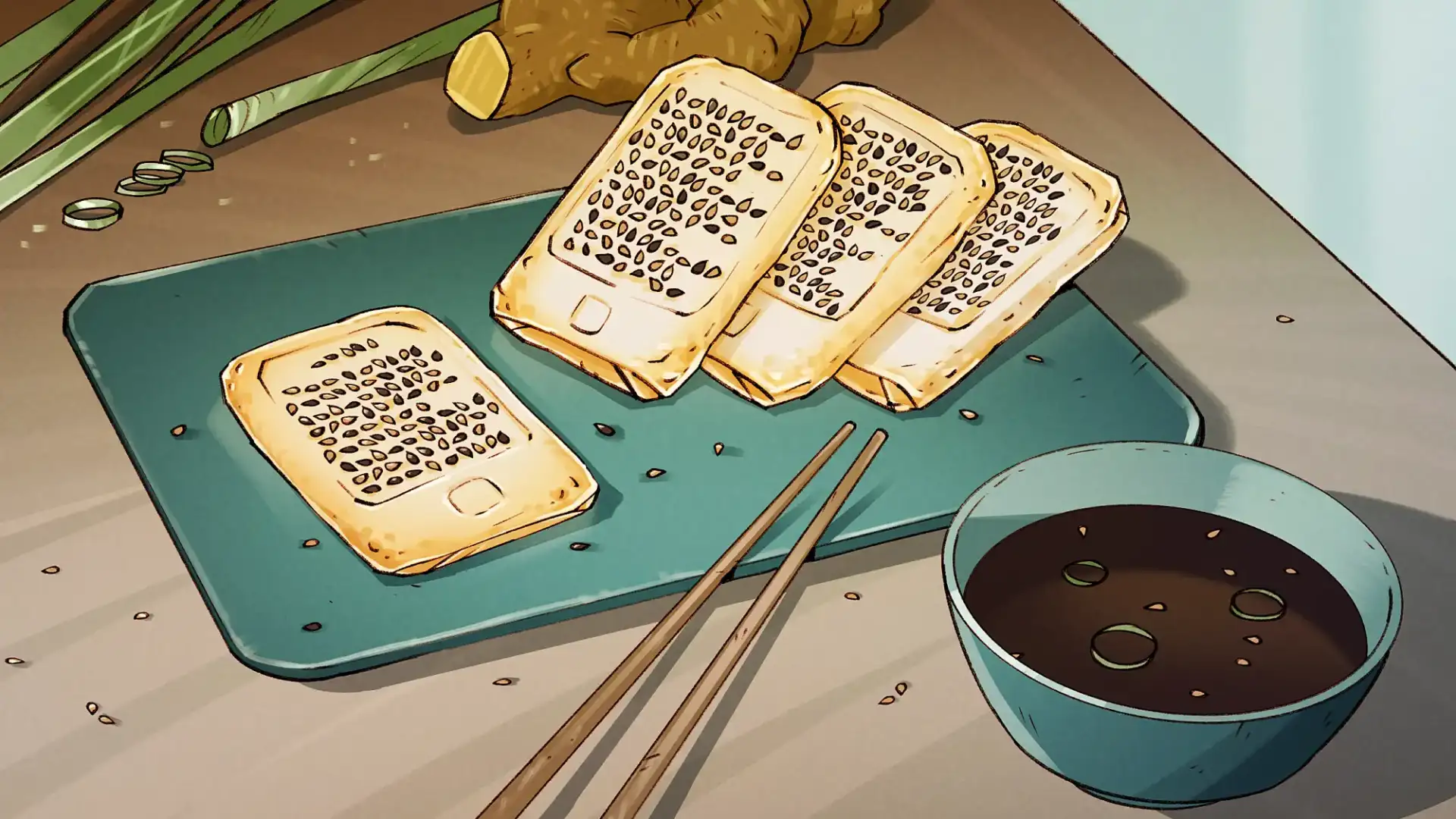 Illustration von Florian Biege
Holiday time is the best time to read a good book! And why not on an e-reader? Yet big tech companies have built gilded cages around this digital cultural asset: anyone who reads their e-books on an Amazon Kindle is trapped in a closed ecosystem that isolates itself from the outside world using its own exclusive formats and forces us to use the Amazon Cloud. If you want to break free with your books and enjoy a new kind of reading freedom, then this recipe is just what you need.
Our digital switch recipes provide an easy, simple way to give Big Tech the push, but there are other options available. We have tried to make it easy by focusing on a single approach and a small number of options, but there are other alternatives that are just as good. After all, what we mean by ‘good’, ‘not so good’ and ‘bad’ is open to debate: DI.DAY is about easy ways to give Big Tech the push (without getting into purism or being preachy). Our decisions are based on advice from our advisory panel.
An overview of the alternatives is available on the next page:
In the future, you will be relying on the industry-standard, open format EPUB.
for direct, free access to thousands of e-books via Onleihe and Libby
… the books you want to lead out of the Amazon ecosystem and into freedom
In contrast to the Kindle, which ties you to Amazon, there are plenty of good hardware alternatives available when it comes to open e-readers. They all support the EPUB format and give you back your freedom. And you can buy them from sources other than Big Tech (see shopping switch recipe).
Originally founded as an alliance of German booksellers (including Thalia), this European initiative now holds around 40 per cent of the market in Germany. It is a good example of how a strong community can establish a successful alternative to Big Tech. There are various models available: from the compact, water-resistant Tolino Shine 5 (around 120 euros new; cheaper second-hand) to the colour Tolino Shine Color (around 130 to 150 euros) and the ergonomic Tolino Vision Color (around 200 euros new) with page-turning buttons and pencil support for handwritten notes.
Offers an extremely open platform, supports many formats and synchronises perfectly with various cloud services (such as your own Nextcloud, see switch recipe). Current models include, for example, ‘Verse Pro’ and ‘Era’.
Runs on an open Android operating system and allows you to install alternative app stores. Ideal for experts who want even more flexibility, such as the Palma 2.
If you also want to use your e-reader as a work tool and notebook. The Supernote (e.g. Nomad) has a modular design, is extremely sustainable and can be easily repaired with a screwdriver rather than being glued together. It supports the WebDAV exchange standard for calendars and contacts (see switch recipe) and synchronises directly with your own Nextcloud (see switch recipe)!
An 11.5-inch multitasking tablet with a matt 120 Hz display that is easy on the eyes and ideal for reading large-format e-books or research papers.
Calibre is the Swiss Army knife for digital reading. The programme has been developed since 2006 by Kovid Goyal and a global open-source community. It runs on Linux (Linux? It’s simple – see our switch recipe Linux Mint), macOS and Windows and is both completely free of charge and ad-free. Calibre acts as your private, local library on your own hard drive — with no obligation to use the cloud and without Amazon and the like being able to read your data. Installation takes only a few minutes – you can download the programme here.
Connect your new e-reader to your computer using a USB cable. Select the books you want to read on the e-reader. Click on “Send to device”. Calibre will transfer the EPUB files directly to your e-reader. You don’t need an internet connection, a manufacturer’s account or a third-party cloud service to do this!
Your new open-platform e-reader offers you possibilities that the Kindle didn’t: with Tolino and PocketBook, you can log in directly using your local library credentials. For the other e-readers, you can install the Onleihe app. You can then borrow books directly on the device and start reading straight away — completely legal, extremely cost-effective and independent.
In the future, buy your e-books from your local bookshop or from independent online retailers (see switch recipe bookshop). They all provide standardised EPUB files that you can read directly on any open-source e-reader.
Are you using a tablet? If so, download Libby from the app store, select your local library and log in with your library card. Advantage: Libby offers a modern, full-colour reading interface. You’ll have instant access to hundreds of thousands of e-books, magazines, as well as international e-books and audiobooks. The media will be downloaded directly into the app and can be read offline — perfect for your holidays!
Simply import your existing e-books into Calibre using drag-and-drop (see above). If you have books in the old Kindle format (MOBI or unencrypted AZW), you can convert them to the future-proof and open EPUB format with a single click:
Select which books you want from your Calibre library. Just click on ‘Convert Books’ in the menu bar. Select EPUB as the output format in the top right-hand corner. Click ‘OK’ to confirm. Calibre will convert your books in seconds, while keeping all formatting and metadata.
Because Amazon uses DRM protection (Digital Rights Management, see Wikipedia), you may not be able to open some of the books directly. Programmes such as noDRM can be installed as an extension in Calibre and will decrypt books once the serial number of the Kindle device has been entered.
Get into the routine of buying new e-books directly as DRM-free EPUBs.
Once you #DIDit – share our post about the digital switch and inspire others to take control of their own digital lives!
Be sure to check out the amazing Project Gutenberg with its public domain e-books!
Comfort upgrade with “Tolino Flip”: If you want to make reading in bed or in an armchair even more comfortable, try the Tolino Flip’s small Bluetooth remote control. It allows you to turn the page with a gentle press of a button, without you having to touch the screen or move your arm.
Authenticator without Microsoft & Google

App Stores without Google & Apple

Collaborating without Google & Co.
Photos without Google, Apple & Co.
Video Streaming without YouTube, Prime & Netflix
Shopping without Amazon
Video calls without Zoom, Teams & Co.
Android phone without Google
Have a Hold on Your Passwords

Alternatives to ChatGPT & Co.

From Spotify to Fair Music Streaming

Set Your Calendars and Contacts Free

Independent Data Clouds

Nextcloud – Your Very Own Cloud
From Windows to Linux Mint
From Big Tech Maps to Open Street Map

Microsoft to LibreOffice & Co.

PayPal to Wero

Chrome to Firefox

Gmail to Independent Email

From Amazon to the Local Bookstore

From Google to Other Search Engines

WhatsApp to Signal

X to Mastodon